
If you ship code, SEO is not something you can fully outsource to marketing. Most ranking failures start in engineering: JavaScript that blocks crawling, broken canonical tags, Core Web Vitals out of range, or sitemaps that do not match your real URL architecture. SEO devtools exist to bridge that gap between development and organic visibility.
This guide covers the essential SEO toolkit for developers—from the browser to CI/CD—with official resources and a workflow you can apply in your repo today.
Table of contents
- Why SEO is a developer responsibility
- Browser DevTools (Chrome and Edge)
- Lighthouse and PageSpeed Insights
- Google Search Console
- Crawling, logs, and CLI
- SEO in headless architectures
- Pre-deploy checklist for devs
- FAQ
Why SEO is a developer responsibility
Google does not index marketing promises—it indexes served HTML, HTTP responses, internal links, and performance signals. When a site takes more than three seconds on mobile or returns 5xx on locale-less routes, the damage happens before anyone writes a meta description.
High-performing teams usually share one pattern: developers validate technical SEO on every pull request, while marketing focuses on search intent and content. You do not need to become an SEO consultant; you need to know what to measure and where to look.
Browser DevTools (Chrome and Edge)
Chrome DevTools (and Edge equivalents) are the first line of defense. These tabs matter most in audits:
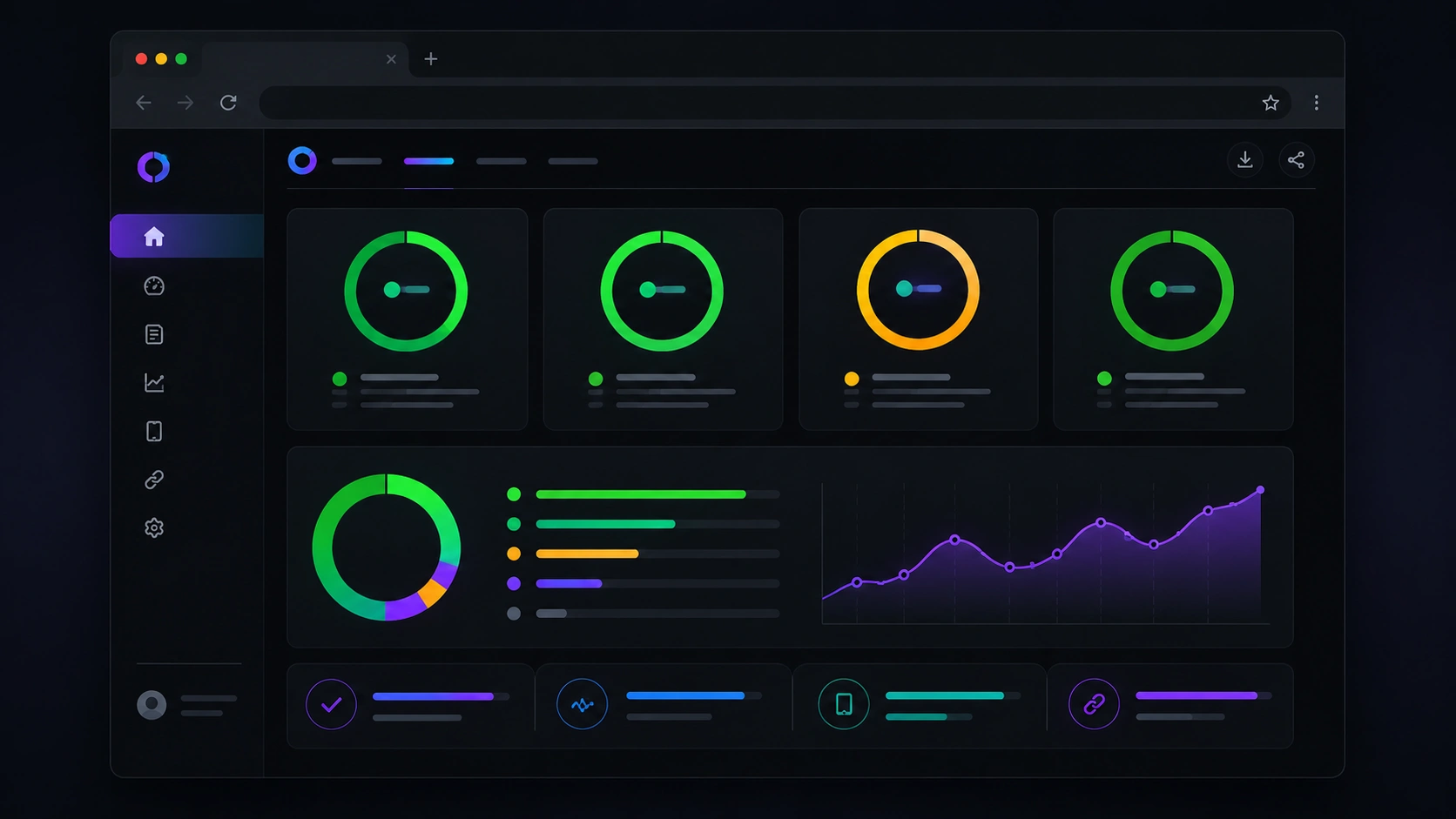
1. Lighthouse
Generates performance, accessibility, best practices, and basic SEO scores for the loaded URL. Use incognito mode with extensions disabled to avoid false positives.
2. Network
Filter by Doc, JS, and CSS. Look for:
- Render-blocking resources (missing critical CSS, synchronous JS in
<head>). 404responses or redirect chains (301→301→200).- High TTFB on HTML documents (server, cache, or slow SSR).
3. Coverage
Shows how much downloaded JS/CSS is unused on the current view—ideal for spotting bloated bundles on lightweight landing pages.
4. Elements + meta tag search
With Ctrl+F inside Elements, verify in served HTML:
- One
<title>and one<meta name="description">per page. <link rel="canonical">pointing to the canonical URL (no duplicatewwwif apex is policy).- Consistent
hreflangon multilingual sites (en,es,x-defaultwhen applicable). - Accidental
noindexin production.
Lighthouse and PageSpeed Insights
Local Lighthouse measures the current session; PageSpeed Insights adds field data (CrUX) when available. For new sites with no traffic, CrUX will be empty—trust lab data and Search Console.
You can test your domain with PageSpeed Insights or tools such as the PageSpeed simulator on our SEO page. Red scores usually mean LCP issues (hero image without priority, blocking fonts) or INP issues (too much JavaScript on the main thread).
Target benchmarks:
- LCP < 2.5 s
- INP < 200 ms
- CLS < 0.1
- Lighthouse SEO score ≥ 90 on main templates
Google Search Console
Search Console is the source of truth for how Google sees your site. As a developer, review weekly:
- Pages → Indexing:
5xx,404, “Crawled – currently not indexed”, and unnecessary redirects. - Sitemaps: submit
https://yourdomain.com/sitemap.xmland confirm canonical URLs match the sitemap. - Core Web Vitals: red/amber URLs that need code changes, not copy tweaks.
- URL Inspection: test a freshly deployed URL and request indexing after fixing canonicals or hreflang.
Crawling, logs, and CLI
When the site grows, the browser does not scale. Add CLI tools to the workflow:
| Tool | Purpose |
|---|---|
curl -I URL |
Check HTTP status, Location, cache headers, and redirects. |
| Screaming Frog (free tier) | Crawl broken links, duplicate titles, empty meta tags, and click depth. |
npx lighthouse URL --view |
Repeatable audits in CI or local scripts. |
| Schema validators | Test JSON-LD (Organization, FAQPage, BlogPosting) before publish. |
Running Lighthouse in GitHub Actions or your CI/CD pipeline prevents regressions when someone adds a third-party script “just to test.”
SEO responsibilities in headless architectures
In decoupled setups (CMS + separate frontend), SEO is split like this:
- Frontend (e.g. Next.js): metadata API, sitemap,
robots.txt, semantic HTML, SSR/ISR. - CMS (e.g. WordPress): content, SEO plugin metadata, translations, custom fields exposed via API.
- CDN: HTTPS, compression, cache rules without breaking dynamic HTML.
- Monitoring: keywords, rankings, and recurring audits as the site grows.
Keyword research and rank tracking complement Lighthouse (point-in-time performance) with continuous SERP data. Explore options on our SEO services page if you need a managed suite.
If you are considering a decoupled CMS with a modern frontend, see our guide Headless WordPress with Next.js: What It Is and Why It Matters for SEO for benefits, myths, and when it makes sense.
Pre-deploy checklist for developers
Add this list to your PR template or repo wiki:
- Are canonical and hreflang present in served HTML (View Source, not only React devtools)?
- Does the sitemap include only indexable URLs (no drafts, no
noindex)? - One H1 per view and logical H2/H3 hierarchy?
- Images with descriptive
altand modern formats (WebP/AVIF)? - Mobile Lighthouse ≥ 90 for performance and SEO on affected templates?
301redirects for legacy URLs and locale-less routes?- Search Console free of new
5xxor404errors after deploy? - Structured data validated with no critical errors?
Prefer a full-stack review? Request a technical SEO audit with a prioritized roadmap.
FAQ
Is Lighthouse enough for SEO?
No. Lighthouse covers basic technical signals and performance, but it does not replace Search Console (real indexing), keyword analysis, or large-scale internal link audits.
What is “dev SEO” in practice?
Applying technical SEO inside the development cycle: metadata in server components, clean URLs, performance, schema, and post-deploy monitoring—instead of patching issues after launch.
Should I use SEO plugins on headless WordPress?
Yes on the CMS side (Yoast, Rank Math, or similar—with an API/GraphQL extension if needed) so the frontend can consume titles and descriptions. The public frontend still generates the HTML—always validate live output.
How long until Google indexes technical fixes?
From hours to several weeks depending on authority and crawl budget. After fixing canonicals or sitemap, use URL Inspection in Search Console to speed up key pages.
Want a diagnosis on your domain?
Try the free PageSpeed simulator or talk to a Veloce Devs engineer for an actionable technical SEO plan.
Leave a Reply