
If you’ve been shopping around for store platforms, you’ve probably heard headless e-commerce thrown around. It sounds technical, but the idea is simple: split «where I manage products and orders» from «what shoppers actually see». It’s not the same as installing WooCommerce with a nice theme — it’s a different way to build, mainly so the storefront stays fast and Google can make sense of your product pages.
You won’t find a code manual here. We just want to help you decide: what you gain in SEO, what it means day to day, and whether it fits you better than a classic store. And if headless WordPress already rings a bell, we also have a broader guide on headless WordPress with Next.js.
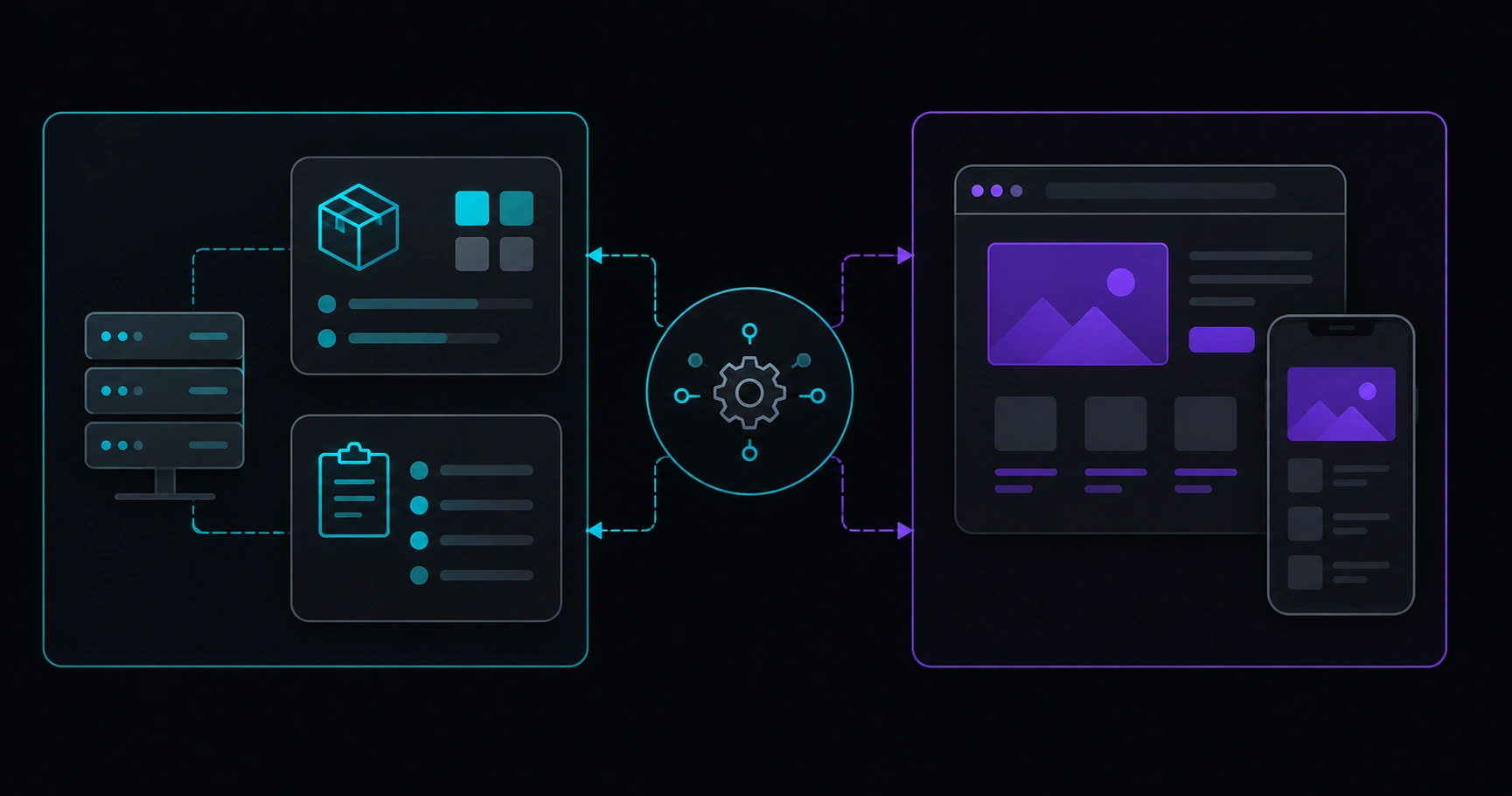
Table of contents
- What headless e-commerce is
- How it works, without the code rabbit hole
- What it actually does for SEO
- When it’s worth it — and when it’s not
- What to check before launch
- Myths we hear all the time
- FAQ
What headless e-commerce is
In a classic store — WooCommerce with a theme, for example — one system does most of the work: catalog, cart, and the pages Google indexes. Plugins, templates, and styles all ship together.
With headless e-commerce, it’s different. The «engine» — products, variants, stock, payments — usually lives in a backend (WooCommerce, Shopify, another CMS…). What your customer browses — listings, product pages, filters, checkout — is built in a separate layer in front, typically lighter and more modern, pulling data through APIs.
Google doesn’t log into your admin. It visits public category and product URLs. So SEO here isn’t just about a good catalog — it’s about how those pages look on the outside: titles, links, speed, and nothing jumping around on mobile.
How it works, without the code rabbit hole
Picture three pieces:
- Backend / CMS: where you or your team add products, prices, photos, and copy.
- API: the messenger that brings catalog and stock to the public store securely.
- Frontend (what people see): the fast site — home, categories, product pages, cart, checkout — that users and Google actually use.
The good news: if you already work in WordPress or WooCommerce, you can often keep publishing products the same way. What changes is who «draws» the final page and how much room you have to care about speed and SEO without fighting the theme.
To compare this path with classic WordPress from an SEO angle, our post on Next.js vs classic WordPress for SEO may help.
What it actually does for SEO
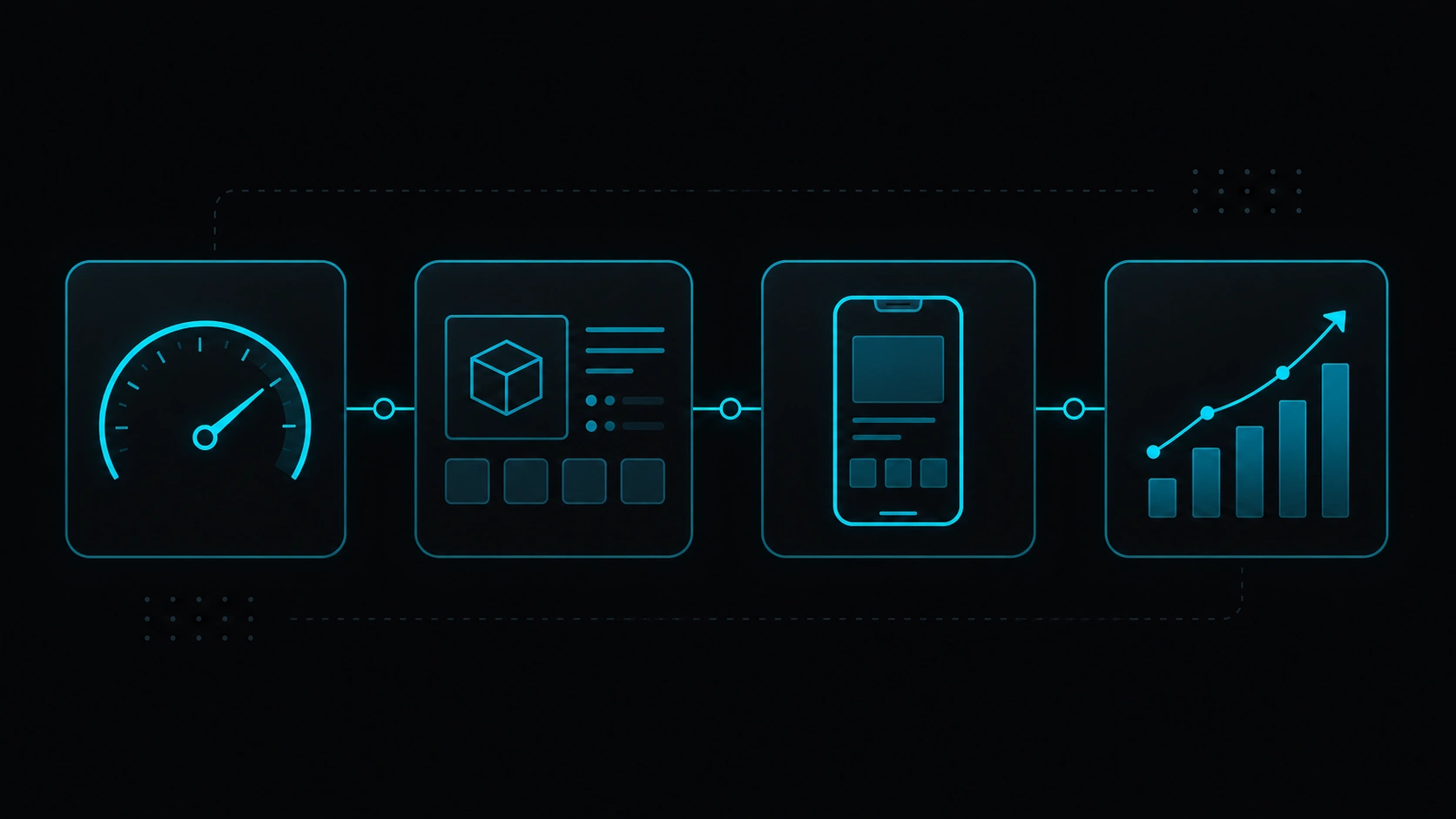
Selling online on Google is tough — you’re up against marketplaces and brands with deep pockets. A slow store or thin product pages show up in rankings and revenue. Headless isn’t magic, but a well-built setup can help with a few concrete things:
1. Lighter product pages
The same product template repeats hundreds or thousands of times. If the frontend is bloated, you pay for it everywhere. Less unnecessary JavaScript often improves LCP and INP — we walk through that calmly in Core Web Vitals explained: what to measure.
2. Titles, descriptions, and schema you control
Every product page needs a title, meta description, canonical, product data, and links that make sense. Splitting catalog from public design helps you avoid five plugins stepping on each other.
3. Mobile that actually works
Most store traffic is mobile. Sluggish filters, heavy images, or a never-ending checkout annoy people — and Google notices too.
4. Room to grow without everything breaking
Big catalogs, multiple languages, or different prices per country stress a generic theme. Headless won’t fix everything alone, but it gives you more headroom before you rebuild the site every holiday season.
When it’s worth it — and when it’s not
| Your situation | Headless store? |
|---|---|
| Medium or large catalog and you want Google as a sales channel | Often yes — speed and solid product pages usually pay off |
| Small shop, few products, tight budget | Probably not needed — a well-set-up WooCommerce may be enough |
| Highly custom checkout or tricky integrations | Good fit — more flexibility on the public layer |
| No one to maintain the site technically | Think twice — more moving parts than a classic theme |
| Selling in multiple languages or markets | Can work — but plan URLs and hreflang carefully |
| You only sell on social/DM and don’t care about organic search | Lower priority — catalog SEO won’t be your focus |
One thing to keep clear: headless doesn’t replace decent photos, up-to-date stock, or shipping info people can trust. What it can do is give you a solid technical base if you want to compete in Google with products and categories.
What to check before launch
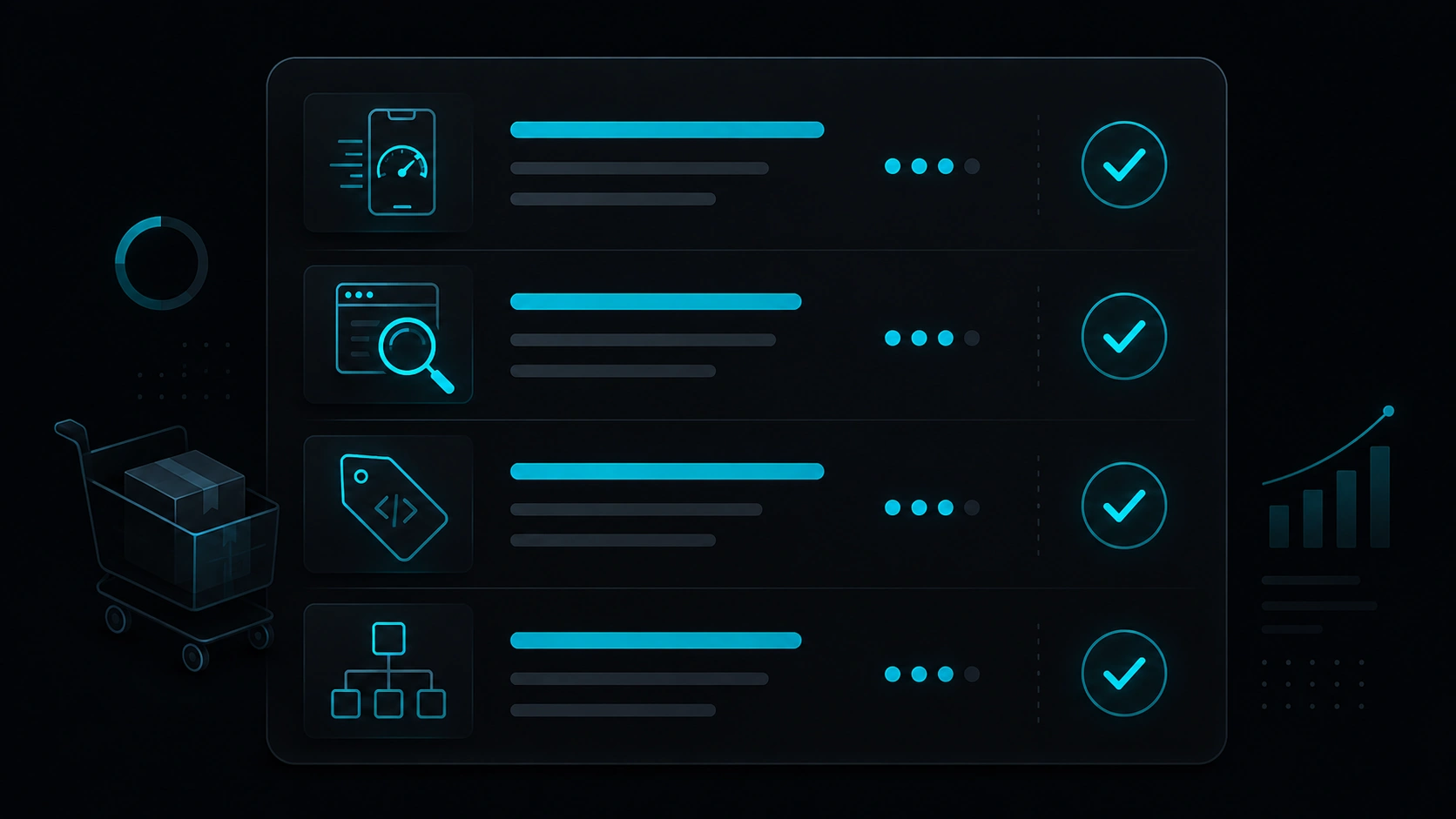
- Is Google indexing what matters? In Search Console, key categories and products should show up without mass errors.
- Does mobile feel good? Test categories and product pages in PageSpeed — don’t stop at the homepage.
- Are you avoiding weird duplicates? Filters and variants shouldn’t spawn hundreds of empty or repeated URLs.
- Is the product clear in Google? Price, stock, and reviews in schema help when they apply.
- Is there a path between categories, products, and content? Guides and comparisons can push traffic toward what you sell.
- Are price and stock current? A page that says «in stock» when it isn’t frustrates everyone — Google included.
To measure speed without losing your mind, our practical PageSpeed audit guide pairs well with store reviews.
Myths we hear all the time
«That’s only for the big players»
Not necessarily. It depends on the project, not the logo. A brand with 200 SKUs and organic ambition may gain more than a poorly optimized giant.
«So WooCommerce is useless now»
Not at all. Many headless builds still use WooCommerce (or another backend) as the catalog source of truth. Headless changes the public layer — not throwing away the dashboard you already know.
«Headless fixes SEO on its own»
We wish. Architecture helps with speed and control, but titles, category copy, links, and authority are still your job.
«Headless checkout is always blazing fast»
It depends. Payment gateways, third-party scripts, and A/B tools weigh in too. Look at real conversion and INP, not just a 98 Lighthouse score on the homepage.
FAQ
How is this different from headless WordPress?
Headless WordPress is the general idea: content in one place, public site in another. Headless e-commerce puts catalog, cart, payments, and inventory at the center — product SEO becomes the main story.
Can I move from classic WooCommerce without losing rankings?
Yes, with solid planning: redirects, keep URLs where you can, and match content. What usually hurts isn’t «headless» itself — it’s broken links or half-finished product pages.
Does it work with Shopify or other backends?
Yes. Same pattern: store backend + optimized public frontend. The choice depends on team, budget, and integrations — not SEO alone.
How long until you see movement in Google?
Reindexation and field Core Web Vitals often shift over weeks (sometimes ~28-day cycles). Category content and internal links help speed things up.
Do I need a blog alongside the store?
Not required. But guides and comparisons often bring traffic that lands on categories and products. Many brands mix store and blog on the same public site. Once the store is live, also review e-commerce speed for SEO.
Thinking about headless e-commerce?
At Veloce Devs we help teams who want fast sites, solid technical SEO, and digital products built to grow. Tell us what you’re planning — no pressure.
Leave a Reply