Category: Online Store

  • E‑commerce Speed and SEO: What to Measure and Why It Matters

    E‑commerce Speed and SEO: What to Measure and Why It Matters

    In an online store, speed is not a nice-to-have — if a category takes forever to load or the buy button stutters, people leave, and Google picks up on that too. Talking about e-commerce speed and SEO is really the same story from two angles: sell more and show up better in search.

    This guide stays practical: which pages to check first, how that ties to Core Web Vitals, and what you can review yourself before touching code or switching hosts. If you just read about store architecture, it pairs well with our headless e-commerce guide — here the focus is performance and rankings, not stack choices.
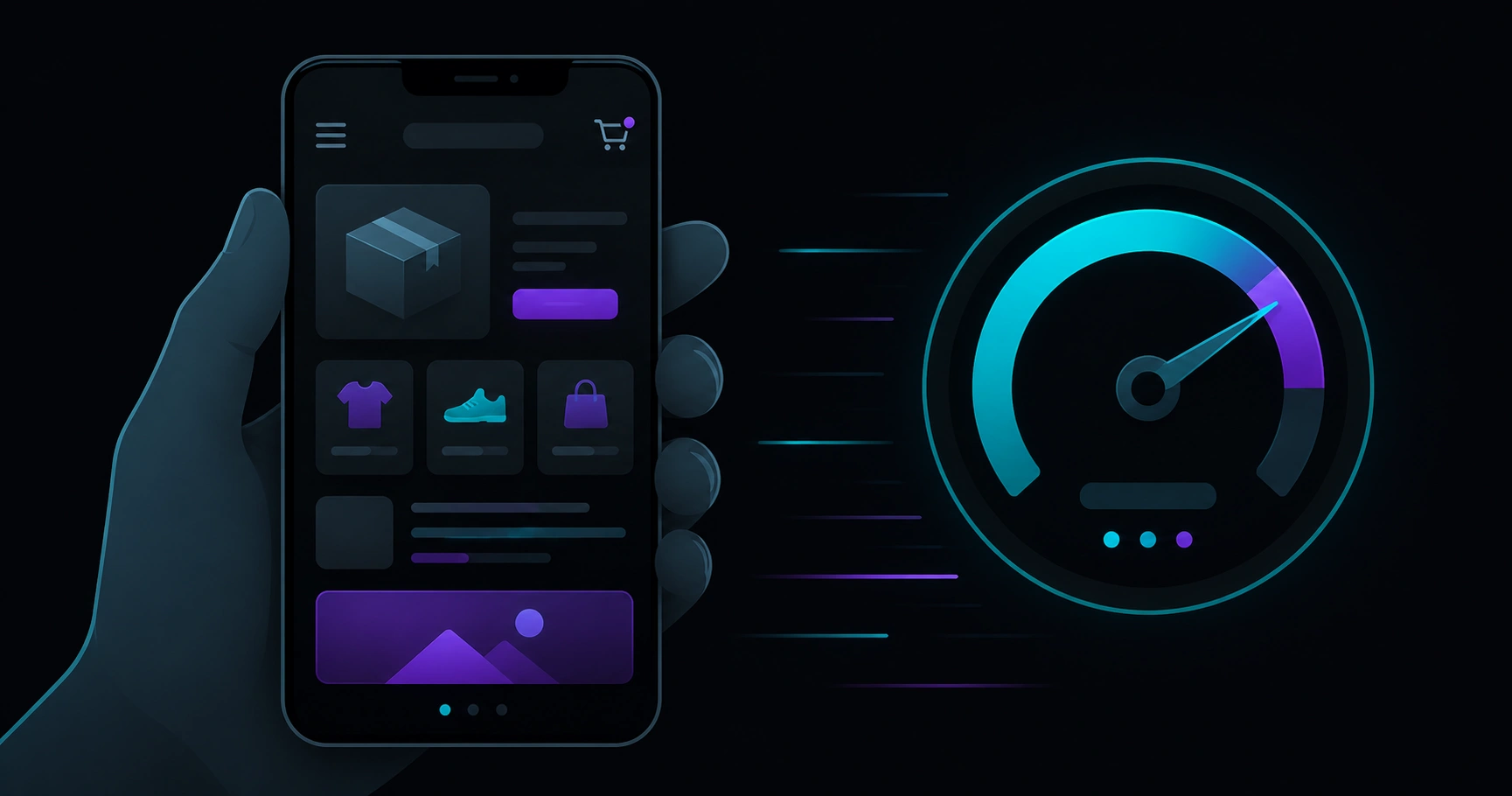
    Smartphone with abstract online store and speed gauge, symbolizing mobile shopping
    In e-commerce, almost everything happens on mobile — a slow category costs sales and hurts signals Google cares about too.

    Table of contents

    Why speed matters in e-commerce

    Picture someone searching Google for a product you sell. They land on your product page, stare at a mostly blank screen for three seconds, and hit back. That is not just a lost sale — it is a signal the page did not deliver.

    Speed weighs more in e-commerce than on a blog because:

    • Competition is direct — marketplaces, other brands, comparison sites.
    • Users are one click from buying — every bit of friction counts.
    • Templates repeat — one slow category template means hundreds of slow URLs.
    • Mobile leads — slower networks, smaller screens, less patience.

    You do not need to obsess over a green score in a tool. You do want your home page, key categories, and best-selling products to feel snappy on the phone your customers actually use.

    SEO and conversion: different goals, same fixes

    Google does not publish a rule like «load in 1.8 s, gain two positions». It does use experience signals — including Core Web Vitals — as a tiebreaker when two pages match the same search intent.

    In practice:

    • For SEO: indexable product and category pages, no mass crawl errors, reasonable field metrics in Search Console.
    • For sales: checkout that does not freeze, filters that respond, images that do not take forever.

    The upside: many fixes help both. Compressing a hero product image improves LCP and helps shoppers see the item before they bounce.

    Core Web Vitals in an online store

    The three pillars are still LCP (loading), INP (tap response), and CLS (layout stability). In e-commerce they usually show up like this:

    Metric In a store, often hurt by…
    LCP Large product image, homepage slider, slow server on category pages
    INP Heavy filters, cart JavaScript, chat or analytics on every page
    CLS Promo banners, late fonts, images without reserved space

    If the acronyms feel fuzzy, we explain them plainly in Core Web Vitals explained: what to measure. To move from theory to action, our practical PageSpeed audit guide helps you read a report without getting lost.
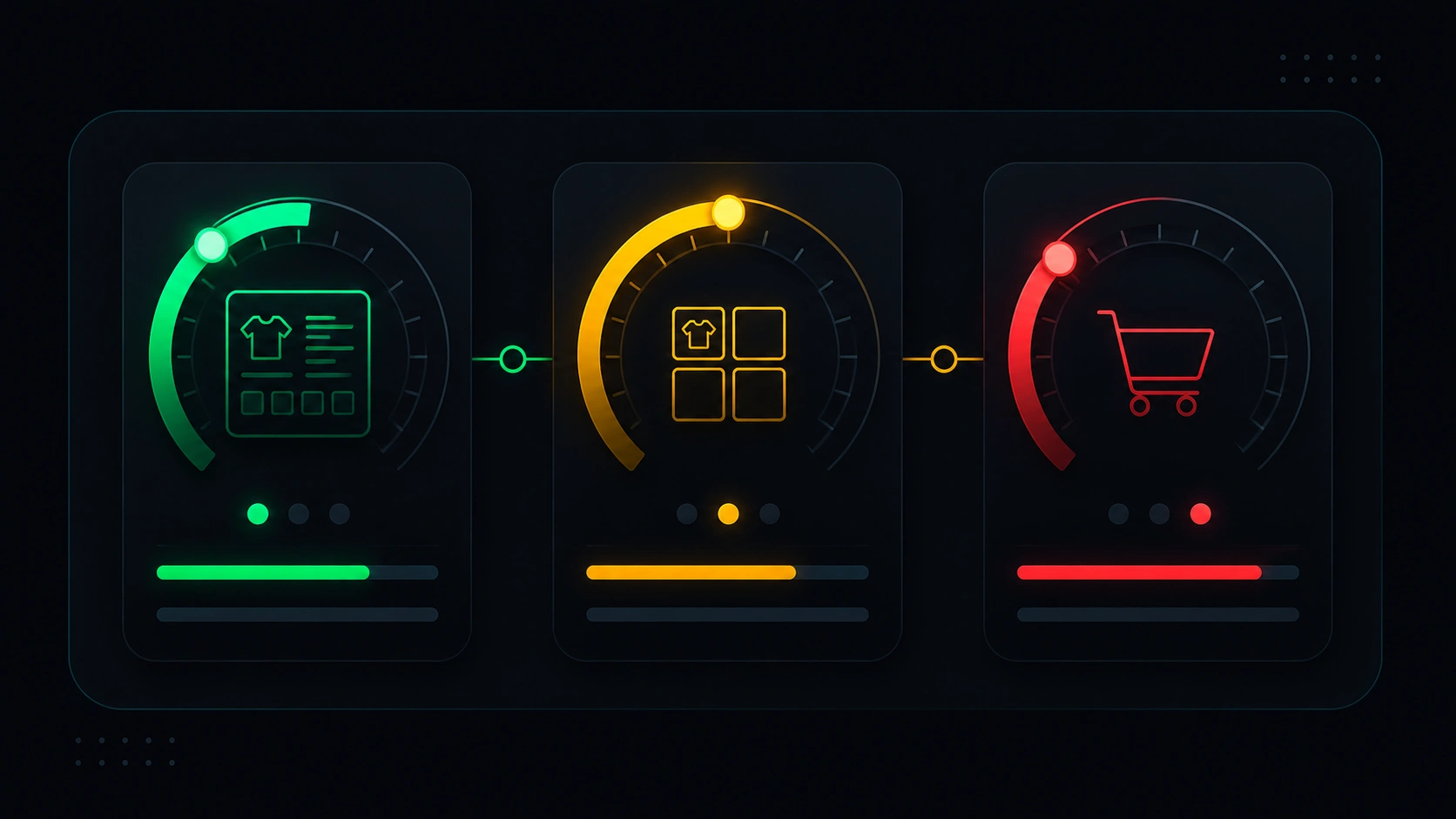
    Three abstract gauges beside cart, category, and product page icons
    LCP, INP, and CLS in a store are tangible: product photo, size filter, and the banner that shoves the buy button.

    Which pages to test first

    Do not start with the homepage on perfect WiFi and a plugged-in laptop. Prioritize like this:

    1. Top 3–5 products by organic traffic or sales (Search Console + analytics).
    2. 2–3 categories that get clicks from Google or campaigns.
    3. Homepage — yes, but after the templates that scale.
    4. Cart and checkout — INP often suffers here even when checkout is not indexed.

    Always test mobile in PageSpeed Insights or similar tools. Optimizing desktop-only on a store means polishing a window almost nobody uses to buy.

    Want a quick snapshot of your domain? On our technical SEO landing you will find a PageSpeed simulator to try a URL before opening long reports.

    Common reasons stores feel slow

    Images out of control

    4000 px product photos served to a 390 px phone screen — extremely common, and often cheap to fix with compression and responsive sizing.

    Too many third-party scripts

    Ad pixels, chat, reviews, A/B tests, heatmaps… each adds weight. On categories with dynamic filters, the main thread suffers.

    Plugin creep

    On WooCommerce and similar platforms it is tempting to install «just one more thing». Over time, the theme ships assets half your visitors never need on that URL.

    Heavy shared templates

    One bad product template times 800 SKUs equals 800 slow URLs. Fix the template, fix the batch.

    Hosting far from shoppers

    If you sell in Europe and the server sits on another continent, TTFB shows up — especially on mobile. You do not always need to migrate; CDN or sensible cache can help.

    Quick checklist before changing anything
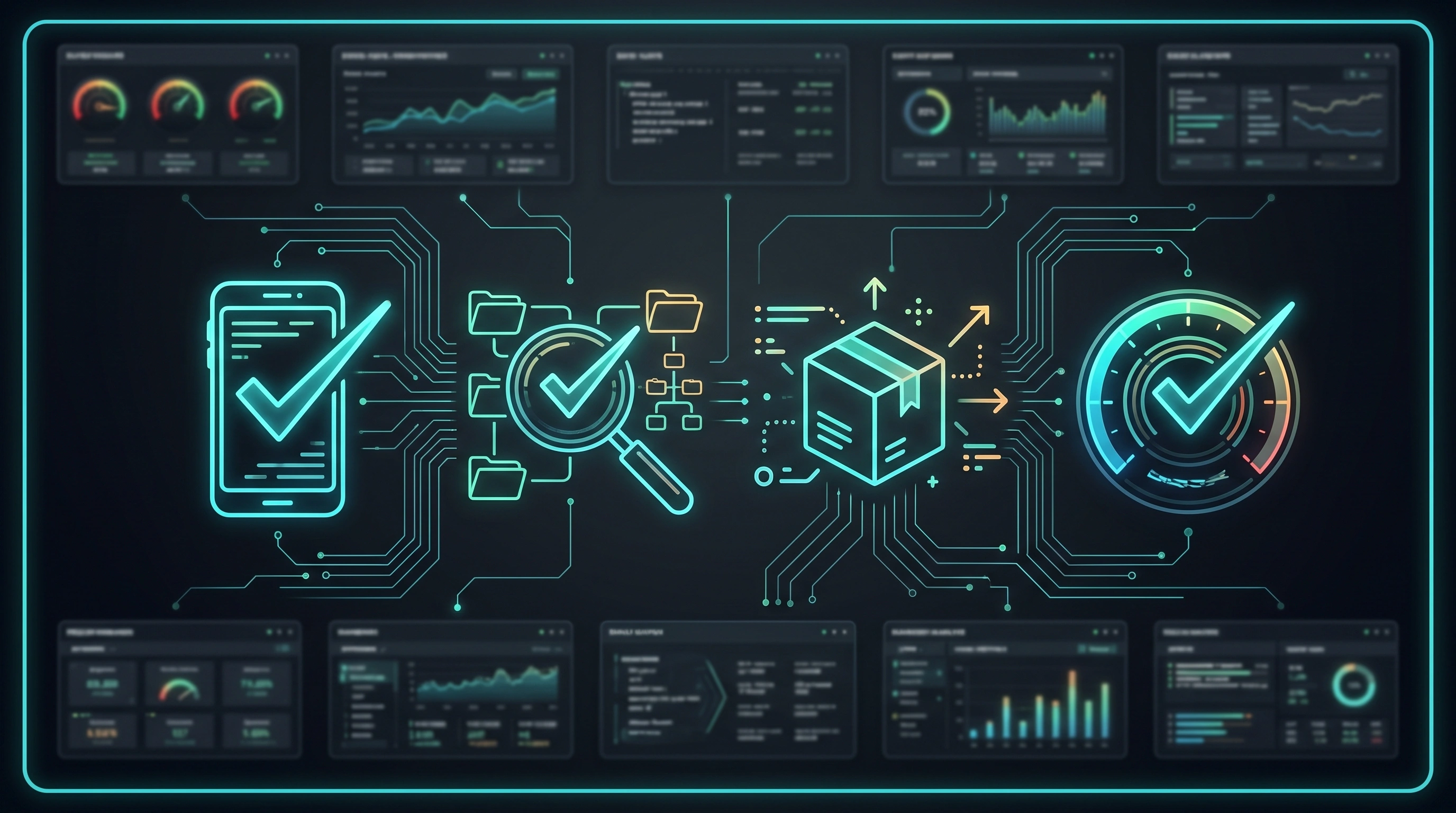
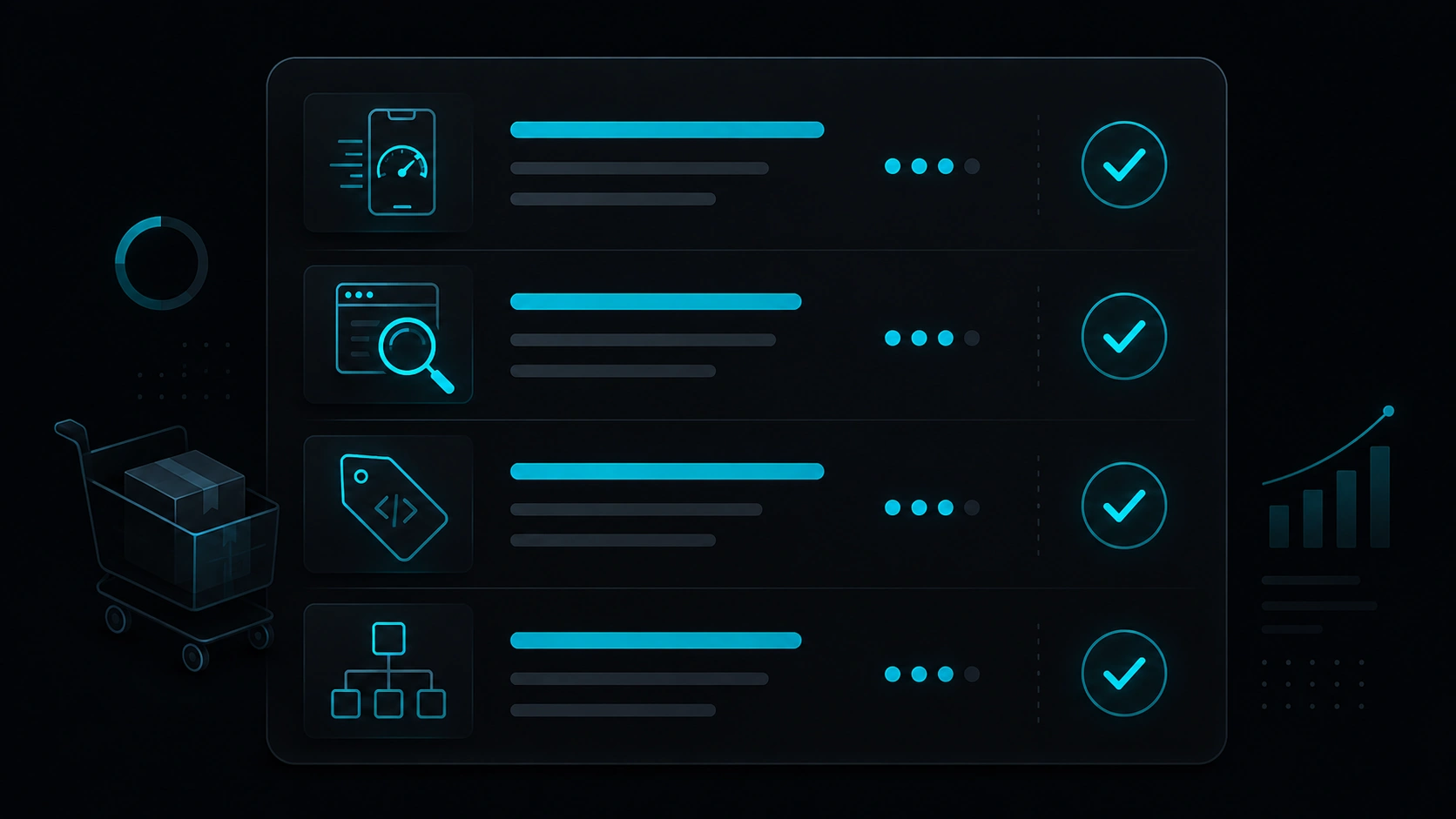
    Abstract store checklist: mobile, category, product, and speed gauge
    Before upgrading hosting or rebuilding the whole store, check whether the problem lives in one specific template.
    1. Have you tested one real product page and category in PageSpeed (mobile)?
    2. Does Search Console show product URLs in Experience without mass warnings?
    3. Do main images weigh reasonably (tens of KB, not megabytes)?
    4. Can you list third-party scripts running on every page?
    5. Is the issue one URL or an entire template?
    6. Have you compared lab data with field data (real users)?

    If you answered «no» to several, start by measuring and grouping — not by installing another blind cache plugin.

    Myths we hear all the time

    «A 100 Lighthouse score means I sell more»

    Lighthouse is a controlled snapshot. You can score high and still lose sales to a confusing checkout or stale inventory.

    «Speed only matters on Black Friday»

    Traffic spikes punish slow stores, yes. But Google crawls year-round and shoppers compare options every month.

    «Going headless makes everything fast automatically»

    Well-built headless helps, but huge images and extra scripts still exist. Architecture does not replace judgment.

    «Checkout does not matter for SEO»

    You may not index checkout, but it matters for revenue — and a sticky cart often means high INP on earlier steps in the same journey.

    FAQ

    How fast does an online store need to be to rank?

    There is no magic number. Aim for good or «needs improvement» Core Web Vitals on main templates — especially mobile and field data when Search Console has enough volume.

    What matters more: homepage or product page?

    For transactional SEO, product and category pages usually win — that is where purchase intent lands. Home matters for brand, but do not measure there alone.

    Does e-commerce speed only affect Google?

    Other search engines too — but conversion and paid traffic hurt just as much. Expensive ads cannot fix a product landing that takes six seconds to show the price.

    How long until improvements show in Search Console?

    Field data often updates on roughly four-week cycles. After big changes, give it time before judging.

    Can classic WooCommerce be fast enough for SEO?

    Yes — with a light theme, sensible images, fewer plugins, and appropriate hosting. Headless is an option, not the only path to reasonable speed.

    Want to test your store speed?

    On Veloce Devs you can run our PageSpeed simulator and explore technical SEO without the overwhelm — a solid first step before a full audit.
    Go to SEO & PageSpeed Try the simulator

  • Headless E‑commerce: Architecture, SEO Benefits, and When It Fits

    Headless E‑commerce: Architecture, SEO Benefits, and When It Fits

    If you’ve been shopping around for store platforms, you’ve probably heard headless e-commerce thrown around. It sounds technical, but the idea is simple: split «where I manage products and orders» from «what shoppers actually see». It’s not the same as installing WooCommerce with a nice theme — it’s a different way to build, mainly so the storefront stays fast and Google can make sense of your product pages.

    You won’t find a code manual here. We just want to help you decide: what you gain in SEO, what it means day to day, and whether it fits you better than a classic store. And if headless WordPress already rings a bell, we also have a broader guide on headless WordPress with Next.js.

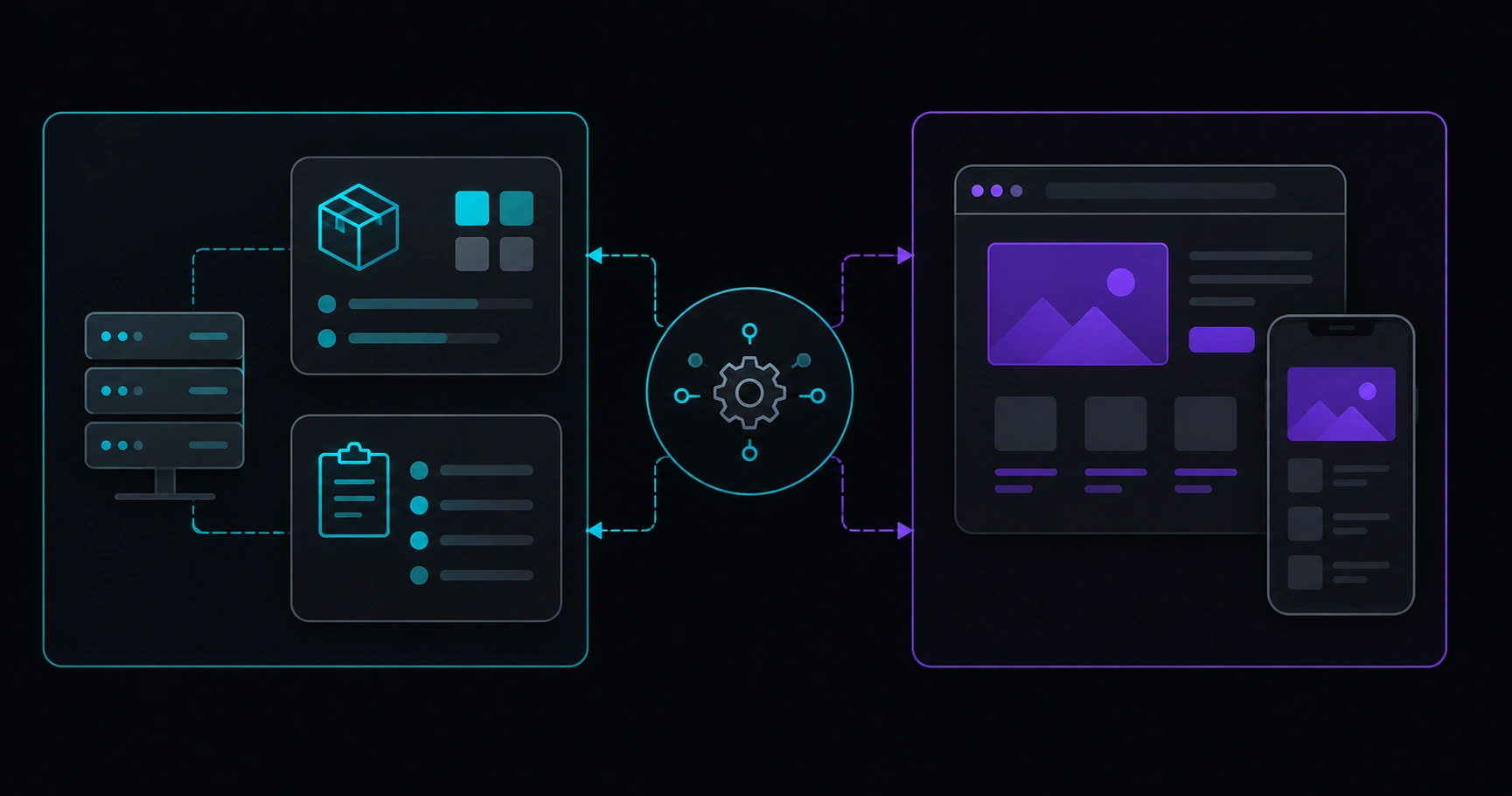
    Abstract diagram: store backend connected to a modern web layer showing catalog and checkout to users
    Think of two worlds: one where you run the catalog, and another — the public store — that needs to feel fast and clear for customers and Google.

    Table of contents

    What headless e-commerce is

    In a classic store — WooCommerce with a theme, for example — one system does most of the work: catalog, cart, and the pages Google indexes. Plugins, templates, and styles all ship together.

    With headless e-commerce, it’s different. The «engine» — products, variants, stock, payments — usually lives in a backend (WooCommerce, Shopify, another CMS…). What your customer browses — listings, product pages, filters, checkout — is built in a separate layer in front, typically lighter and more modern, pulling data through APIs.

    Google doesn’t log into your admin. It visits public category and product URLs. So SEO here isn’t just about a good catalog — it’s about how those pages look on the outside: titles, links, speed, and nothing jumping around on mobile.

    How it works, without the code rabbit hole

    Picture three pieces:

    1. Backend / CMS: where you or your team add products, prices, photos, and copy.
    2. API: the messenger that brings catalog and stock to the public store securely.
    3. Frontend (what people see): the fast site — home, categories, product pages, cart, checkout — that users and Google actually use.

    The good news: if you already work in WordPress or WooCommerce, you can often keep publishing products the same way. What changes is who «draws» the final page and how much room you have to care about speed and SEO without fighting the theme.

    To compare this path with classic WordPress from an SEO angle, our post on Next.js vs classic WordPress for SEO may help.

    What it actually does for SEO

    Selling online on Google is tough — you’re up against marketplaces and brands with deep pockets. A slow store or thin product pages show up in rankings and revenue. Headless isn’t magic, but a well-built setup can help with a few concrete things:

    1. Lighter product pages

    The same product template repeats hundreds or thousands of times. If the frontend is bloated, you pay for it everywhere. Less unnecessary JavaScript often improves LCP and INP — we walk through that calmly in Core Web Vitals explained: what to measure.

    2. Titles, descriptions, and schema you control

    Every product page needs a title, meta description, canonical, product data, and links that make sense. Splitting catalog from public design helps you avoid five plugins stepping on each other.

    3. Mobile that actually works

    Most store traffic is mobile. Sluggish filters, heavy images, or a never-ending checkout annoy people — and Google notices too.

    4. Room to grow without everything breaking

    Big catalogs, multiple languages, or different prices per country stress a generic theme. Headless won’t fix everything alone, but it gives you more headroom before you rebuild the site every holiday season.

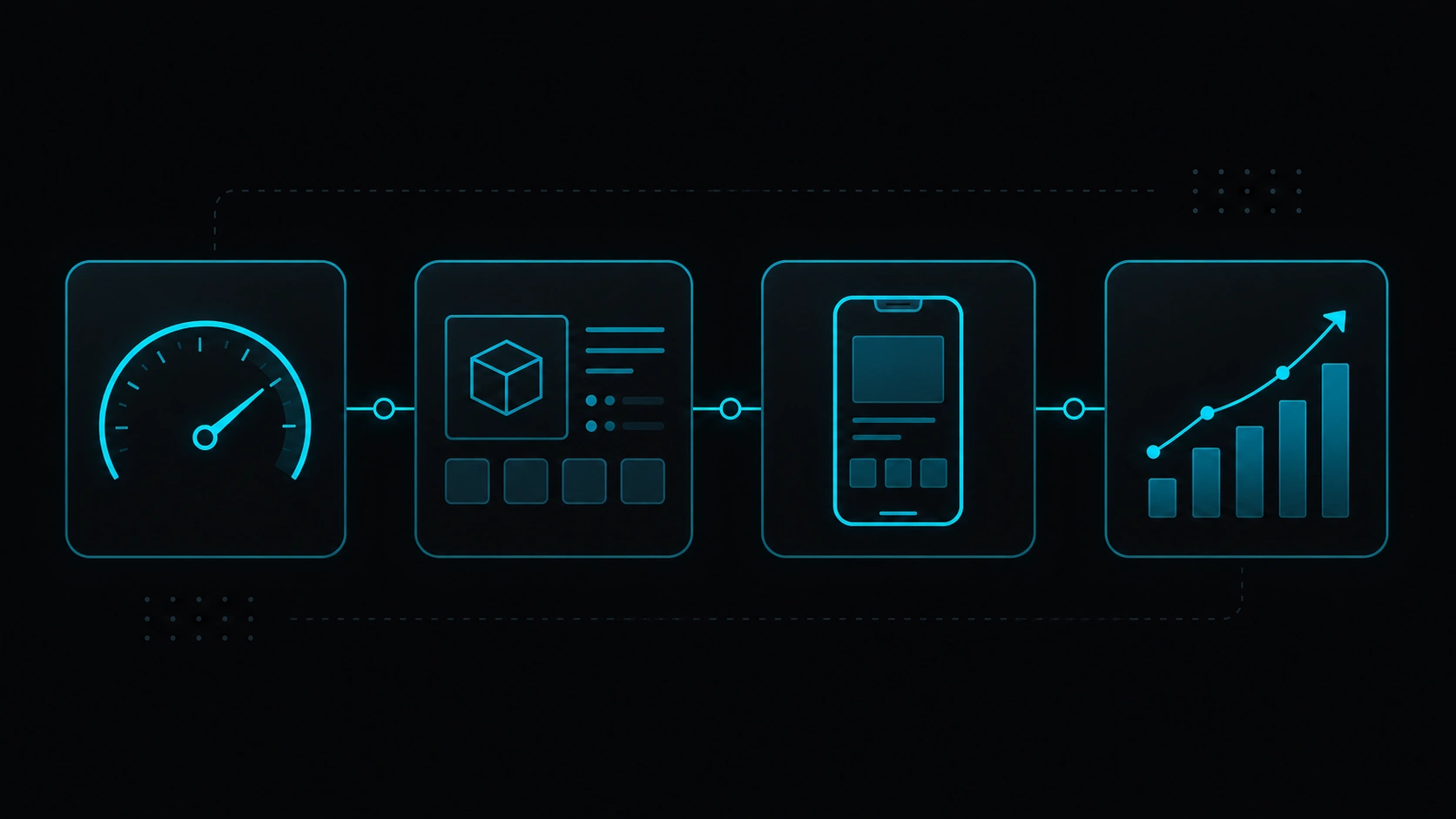
    Abstract icons for speed, product page, mobile, and SEO chart around an online store
    Your blog helps — but in e-commerce, a lot of traffic (and sales) still flows through categories and product pages.

    When it’s worth it — and when it’s not

    Your situation Headless store?
    Medium or large catalog and you want Google as a sales channel Often yes — speed and solid product pages usually pay off
    Small shop, few products, tight budget Probably not needed — a well-set-up WooCommerce may be enough
    Highly custom checkout or tricky integrations Good fit — more flexibility on the public layer
    No one to maintain the site technically Think twice — more moving parts than a classic theme
    Selling in multiple languages or markets Can work — but plan URLs and hreflang carefully
    You only sell on social/DM and don’t care about organic search Lower priority — catalog SEO won’t be your focus

    One thing to keep clear: headless doesn’t replace decent photos, up-to-date stock, or shipping info people can trust. What it can do is give you a solid technical base if you want to compete in Google with products and categories.

    What to check before launch

    Abstract e-commerce checklist: mobile speed, product indexation, schema, and internal links
    Before you pour budget into ads or upload a thousand SKUs at once, look closely at one category, your hero product, and checkout.
    1. Is Google indexing what matters? In Search Console, key categories and products should show up without mass errors.
    2. Does mobile feel good? Test categories and product pages in PageSpeed — don’t stop at the homepage.
    3. Are you avoiding weird duplicates? Filters and variants shouldn’t spawn hundreds of empty or repeated URLs.
    4. Is the product clear in Google? Price, stock, and reviews in schema help when they apply.
    5. Is there a path between categories, products, and content? Guides and comparisons can push traffic toward what you sell.
    6. Are price and stock current? A page that says «in stock» when it isn’t frustrates everyone — Google included.

    To measure speed without losing your mind, our practical PageSpeed audit guide pairs well with store reviews.

    Myths we hear all the time

    «That’s only for the big players»

    Not necessarily. It depends on the project, not the logo. A brand with 200 SKUs and organic ambition may gain more than a poorly optimized giant.

    «So WooCommerce is useless now»

    Not at all. Many headless builds still use WooCommerce (or another backend) as the catalog source of truth. Headless changes the public layer — not throwing away the dashboard you already know.

    «Headless fixes SEO on its own»

    We wish. Architecture helps with speed and control, but titles, category copy, links, and authority are still your job.

    «Headless checkout is always blazing fast»

    It depends. Payment gateways, third-party scripts, and A/B tools weigh in too. Look at real conversion and INP, not just a 98 Lighthouse score on the homepage.

    FAQ

    How is this different from headless WordPress?

    Headless WordPress is the general idea: content in one place, public site in another. Headless e-commerce puts catalog, cart, payments, and inventory at the center — product SEO becomes the main story.

    Can I move from classic WooCommerce without losing rankings?

    Yes, with solid planning: redirects, keep URLs where you can, and match content. What usually hurts isn’t «headless» itself — it’s broken links or half-finished product pages.

    Does it work with Shopify or other backends?

    Yes. Same pattern: store backend + optimized public frontend. The choice depends on team, budget, and integrations — not SEO alone.

    How long until you see movement in Google?

    Reindexation and field Core Web Vitals often shift over weeks (sometimes ~28-day cycles). Category content and internal links help speed things up.

    Do I need a blog alongside the store?

    Not required. But guides and comparisons often bring traffic that lands on categories and products. Many brands mix store and blog on the same public site.

    Thinking about headless e-commerce?

    At Veloce Devs we help teams who want fast sites, solid technical SEO, and digital products built to grow. Tell us what you’re planning — no pressure.

    About Veloce Devs Get in touch