
When developers think about SEO, they usually picture keywords and meta descriptions. But real rankings start earlier: at the server, in the code that generates HTML, and in the HTTP headers no one sees at a glance. SEO for developers is not about writing good copy—it is about building a technical foundation that does not block Google.
The problem is that there are dozens of possible metrics. This guide gives you the right order to measure what matters most first, without drowning in data.
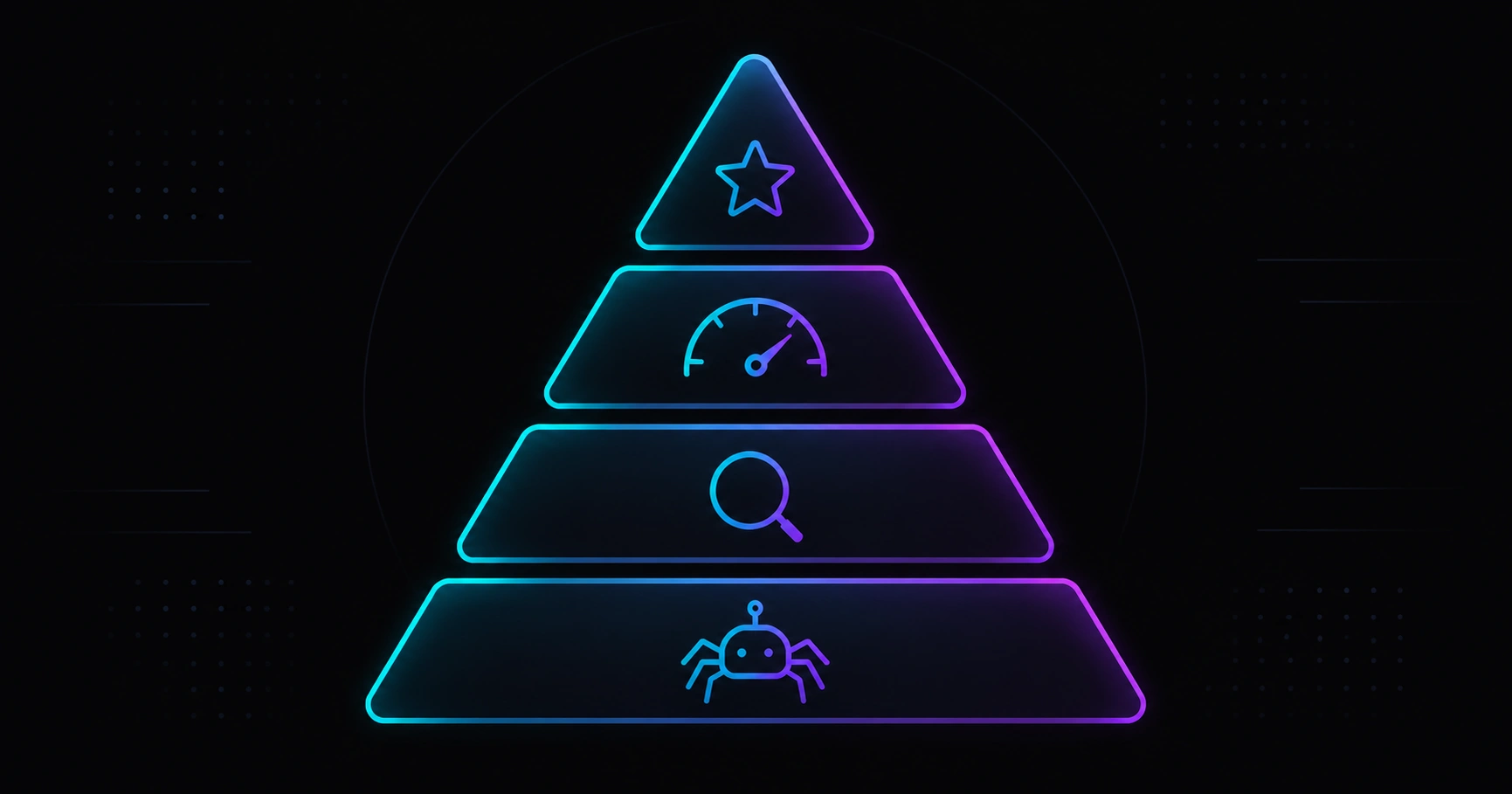
Table of contents
- The technical SEO pyramid
- 1. Crawling: the first thing to measure
- 2. Correct indexing
- 3. Core Web Vitals
- 4. Mobile speed
- The 2026 measurement stack
- Integrating it into your workflow
- FAQ
The technical SEO pyramid
Most articles list metrics without hierarchy. But technical SEO has a layered logic: if the bottom layer fails, the ones above it do not matter.
- Crawling — Can Googlebot reach the content?
- Indexing — Does Google understand which URL is canonical and in which language?
- Performance — Does it meet Core Web Vitals thresholds?
- Content and authority — Does it answer better than the competition?
A developer can directly influence the first three layers. The fourth depends on the editorial team, but it also benefits from clean URL structure and solid internal linking—both engineering decisions.
1. Crawling: the first thing to measure
If Googlebot cannot crawl a page, it does not exist for the search engine. The most common crawl errors on sites with a modern frontend (React, Next.js) or decoupled CMS — for example a headless WordPress with Next.js project — are:
5xx errors
A server response (timeout, CMS API error, failed SSR) tells Google the page is unavailable. A few intermittent 5xx on secondary routes is tolerable; on the homepage or service landing pages it is critical. Monitor in Search Console → Coverage → Server error (5xx).
Redirect chains
A single 301 redirect is correct; three redirects in a chain (/contact → /contact/ → /en/contact/) waste crawl budget and can confuse PageRank attribution. Always point to the final destination in a single hop when possible.
Misconfigured robots.txt
An accidental Disallow: / in production blocks the entire site. Check https://yourdomain.com/robots.txt before every deploy. In Next.js (and other frameworks) you can define it in a version-controlled file in your repo.
JavaScript that blocks crawling
If critical content only exists in the DOM after JavaScript executes, Googlebot may not see it on the first crawl pass. Server Components in Next.js App Router eliminate this problem: HTML arrives complete in the first response.
2. Correct indexing
Googlebot reaching your page does not guarantee it indexes it correctly. There are three signals Google checks to decide which URL to index:
Canonical
The <link rel="canonical"> tells Google which is the definitive URL. On multilingual sites, each page needs its own canonical pointing to its locale version:
<!-- correct -->
<link rel="canonical" href="https://yourdomain.com/en/service/" />

<!-- wrong: points to CMS or admin subdomain -->
<link rel="canonical" href="https://cms.yourdomain.com/service/" />
Always validate in View Source of the public URL, not in React DevTools.
hreflang
On EN + ES sites, each page needs correct hreflang tags. A common mistake is pointing hreflang="en" to the same URL instead of the EN version:
<link rel="alternate" hreflang="en" href="https://yourdomain.com/en/service/" />
<link rel="alternate" hreflang="es" href="https://yourdomain.com/es/servicio/" />
If the CMS manages translations and the frontend consumes them via API, configure hreflang in the layer that generates public HTML (e.g. generateMetadata in Next.js).
Coherent sitemap
The sitemap should list only canonical, indexable URLs. A URL that appears in the sitemap but has noindex creates a contradictory signal that Google resolves at its own discretion. Generate the sitemap dynamically from the same data source as your routes.
3. Core Web Vitals
Google has used Core Web Vitals as a ranking signal since 2021. In 2026 the weight has increased for mobile searches. The three metrics to monitor:
| Metric | What it measures | Green threshold |
|---|---|---|
| LCP (Largest Contentful Paint) | Time until the largest visual element is visible | < 2.5 s |
| INP (Interaction to Next Paint) | Response to user interactions (clicks, keyboard) | < 200 ms |
| CLS (Cumulative Layout Shift) | Visual stability: content should not shift while loading | < 0.1 |
Common causes of high LCP
- Hero image without
priorityinnext/image: the browser downloads it too late. - Render-blocking web fonts: use
font-display: swapor load them withnext/font. - High TTFB from slow SSR: check slow CMS/API queries or missing cache or incremental regeneration.
Common causes of high CLS
- Images without explicit dimensions (
widthandheightoraspect-ratioin CSS). - Cookie banners that appear late and push content down.
- Web fonts that substitute the system font with different metrics.
4. Mobile speed: the most overlooked metric
PageSpeed Insights has two tabs: lab data (Lighthouse) and field data (CrUX). Field data is what Google uses for ranking. On new or low-traffic sites CrUX will be empty—trust lab data and Search Console in that case.
Always check in mobile mode with simulated 4G network, not just desktop. A site scoring 95 on desktop Lighthouse can score 60 on mobile due to unoptimized images or excessive JavaScript.
You can simulate this analysis directly in the Veloce Devs PageSpeed simulator without installing anything.
The 2026 measurement stack
These tools cover all four pyramid layers in most projects:
| Tool | What it measures | Free |
|---|---|---|
| Google Search Console | Crawling, indexing, field CWV, sitemaps | Yes |
| PageSpeed Insights | Lab + field CWV, Lighthouse audit | Yes |
| Screaming Frog (free tier) | Bulk crawling, redirects, canonicals, meta tags | Yes (500 URLs) |
| curl / httpstatus | Redirect chains, HTTP headers, status codes | Yes |
| SEO suite / rank tracking | Keywords, rankings, recurring audits | Varies (e.g. Veloce Devs SEO services) |
Integrating it into your workflow
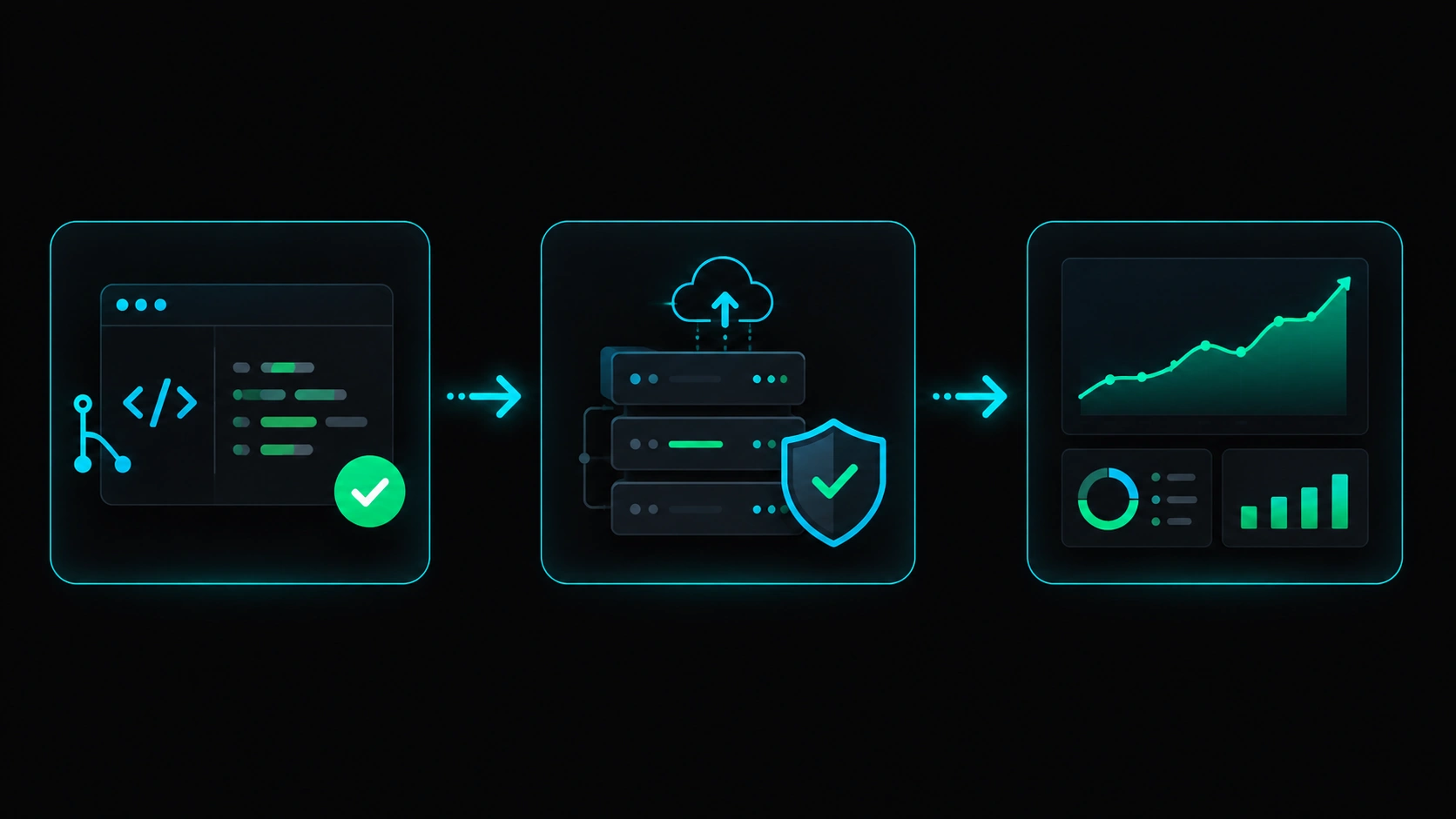
Measuring once is not enough. Technical SEO is maintained by integrating checks into the development cycle:
Every pull request
- Does the change affect routes or slugs? → Add a redirect if an existing URL is removed.
- Are new images added? → Verify descriptive
altand WebP/AVIF format. - New heavy JS component? → Check bundle impact with
@next/bundle-analyzer.
Weekly
- Check Search Console: new 5xx, 404, or “Crawled – currently not indexed” pages.
- Review Core Web Vitals on main landing pages.
Monthly
- Audit with Screaming Frog or equivalent: redirect chains, duplicate titles, orphan pages.
- Compare GSC impressions and positions with the previous month.
- Review sitemap: does it include all new URLs and exclude
noindexones?
FAQ
Where do I start if the site is already in production with issues?
Start with Search Console: fix 5xx errors first (they affect crawling), then incorrect canonicals (they affect indexing), then out-of-range CWV (they affect ranking). In that order you get the greatest impact with the least effort.
Are Core Web Vitals the most important SEO factor?
No. They are a tiebreaker when content quality is similar. First make sure pages are correctly crawled and indexed; then optimize performance. A page with perfect LCP but no indexing does not rank.
Does Next.js App Router already handle SEO automatically?
It handles a lot: Server Components generate complete HTML, generateMetadata centralizes meta tags, and next/image optimizes formats. But it is still your responsibility to configure canonicals, hreflang, a coherent sitemap, and to avoid HTTP errors in production.
How long until technical fixes show impact?
It depends on the site’s crawl frequency. New or low-traffic domains can take 2 to 8 weeks. Use URL Inspection → Request indexing in Search Console to speed up key pages after each major fix.
How fast is your site on mobile?
Try the free Veloce Devs PageSpeed simulator or request a technical audit with a prioritized, impact-ranked action plan.
Leave a Reply