
An SEO audit checklist does not replace a full report — but it stops the chaos of «we looked at everything a little» and ended up with twenty unprioritized tickets. If you are a developer, tech lead, or PM with front-end ownership, this list gives you a clear path: from blockers that stop indexing to fine-tuning CTR and rich results.
Order matters. First confirm Google can index; then fix URLs, technical on-page, speed, and links. For narrative context on each block, pair this with our technical SEO audit step by step; here the focus is execution and checkboxes.
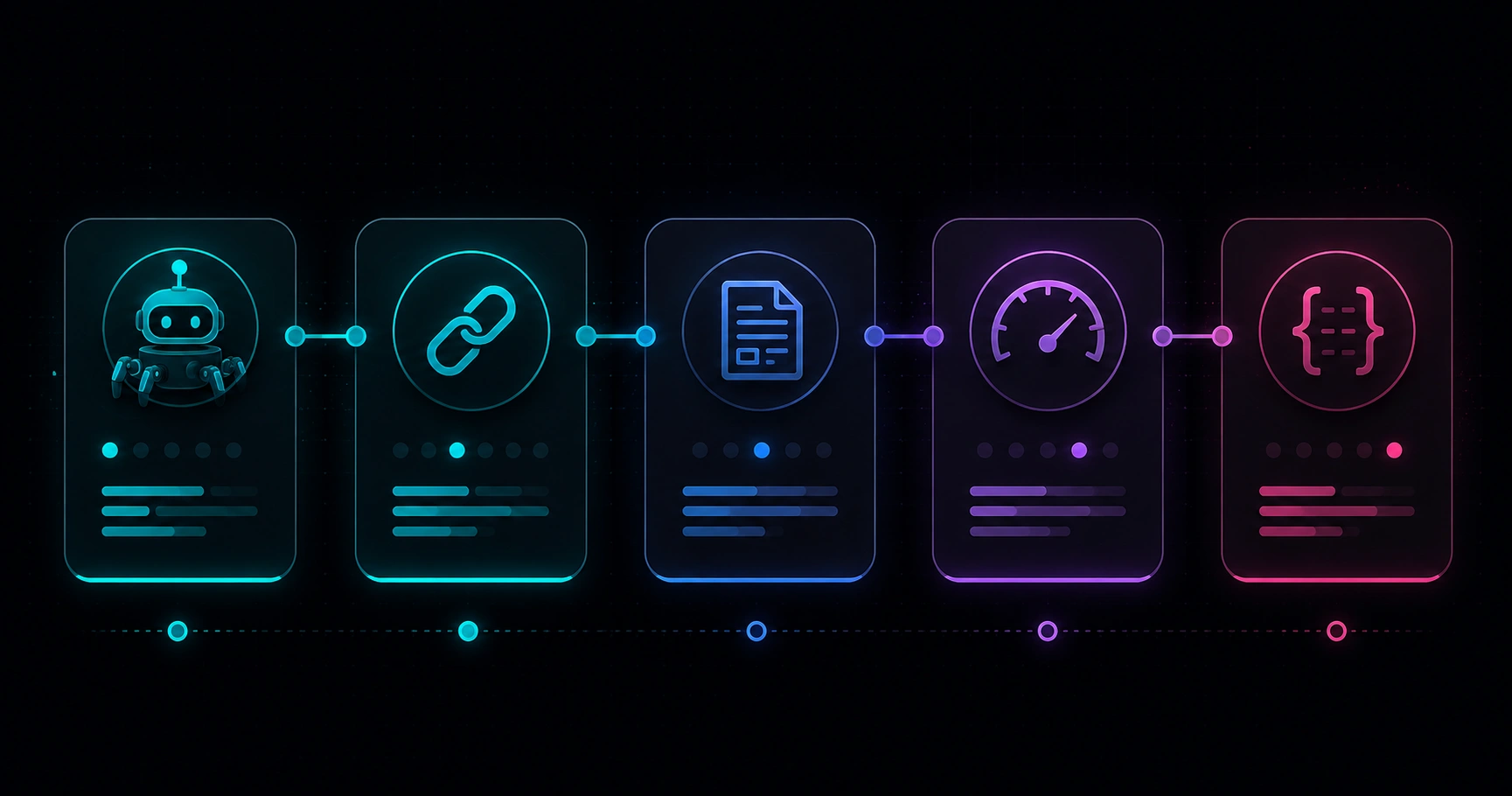
Table of contents
- Before you start: URLs and tools
- Phase 1 — Indexing and crawling
- Phase 2 — Architecture and URLs
- Phase 3 — Technical on-page
- Phase 4 — Performance and Core Web Vitals
- Phase 5 — Internal links and structured data
- How to score and prioritize findings
- Mistakes that invalidate the audit
- FAQ
Before you start: URLs and tools
Do not audit «the whole site» in the abstract. Pick a representative sample — 8–15 URLs is usually enough:
- Home and 2–3 service or product landings.
- 1–2 blog posts with organic traffic (Search Console).
- 1 category or listing template if applicable.
- 1 URL you already suspect is broken (404, slow, duplicate).
Minimum tools (free):
- Google Search Console — indexing, sitemap, field CWV.
- PageSpeed Insights — lab + field data per URL.
- Rich Results Test — schema and SERP eligibility.
- Browser DevTools — network, console, View Source.
- Desktop crawler (Screaming Frog, Sitebulb, etc.) — optional but very useful on sites >50 URLs.
If you are unsure what to measure before opening tickets, review SEO for developers: what to measure first and our SEO DevTools guide.
Phase 1 — Indexing and crawling
If Google does not index, nothing else competes. Check each item; any ❌ here is critical priority.
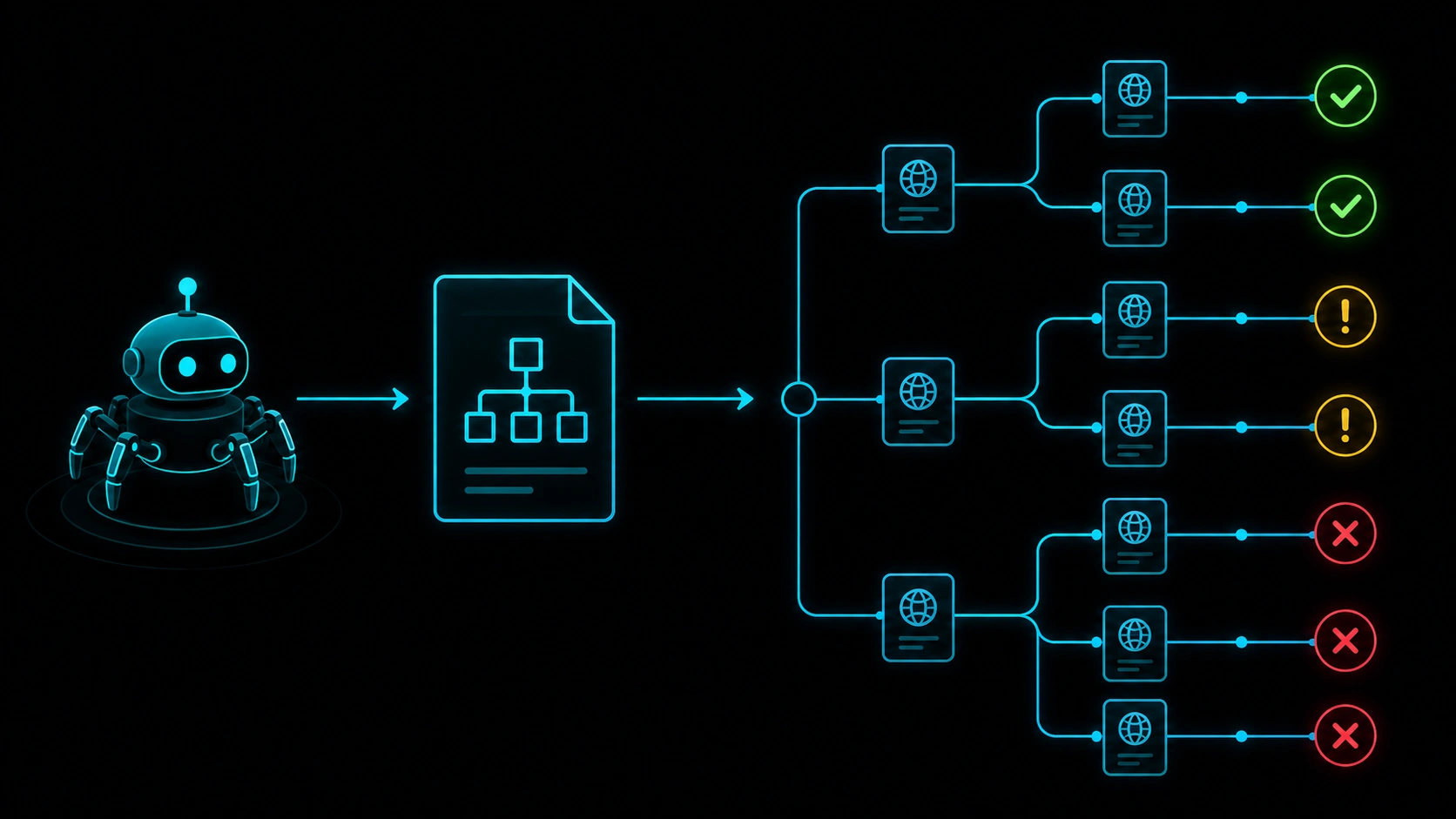
- ☐ Correct Search Console property (domain or URL prefix matching production).
- ☐
robots.txtdoes not block indexable sections (blog, landings, product pages). - ☐ Key URLs free of accidental
noindex(meta robots or HTTP header). - ☐ XML sitemap reachable, no processing errors, aligned with public URLs.
- ☐ URL inspection in GSC: «URL is on Google» for home + 3 business URLs.
- ☐ Declared canonical = Google-selected canonical (no mass conflicts).
- ☐ No unexplained spikes of «Discovered — not indexed» or «Duplicate» in the pages report.
- ☐ Correct HTTP responses: 200 on content, 301 (not long chains) on migrations, clean 404s where needed.
Red flag: product or blog templates with historical traffic moving to «Excluded» after a deploy. For the full workflow, see step 1 of our step-by-step technical audit.
Phase 2 — Architecture and URLs
- ☐ HTTPS sitewide; one canonical host variant (www vs non-www, consistent trailing slash).
- ☐ Redirects: at most one 301 hop per migrated URL; no loops or mistaken permanent 302s.
- ☐ Click depth: important pages within ≤3 clicks from home.
- ☐ Readable, stable slugs in the correct language (no mixed
/es/blog/english-slug/). - ☐ Multilingual: reciprocal, coherent
hreflangwhen you have ES/EN or other locales. - ☐ Parameters, filters, and sort orders do not spawn thousands of indexable duplicates.
- ☐ Preview, staging, or API subdomains not indexable or linked from production.
- ☐ Sitemap and internal links target the public domain, not a hidden CMS.
Phase 3 — Technical on-page
Walk each template in your sample (home, landing, article):
- ☐ One clear
<h1>per URL; logical H2/H3 hierarchy. - ☐ Unique
<title>(~50–60 useful characters) and meta description that earns clicks without filler. - ☐ Self-referencing canonical unless explicit syndication rules apply.
- ☐ Main content visible in initial HTML (View Source shows headline and body).
- ☐ Images with descriptive
alt; modern formats (WebP/AVIF) when possible. - ☐ Basic Open Graph and Twitter Card on shareable templates.
- ☐ Pagination with crawlable links or clear signals (not JS-only buttons without fallback).
- ☐ No mass duplicate titles or descriptions in the crawl sample.
Phase 4 — Performance and Core Web Vitals
Google uses experience signals; LCP, INP, and CLS summarize loading, responsiveness, and stability. On the checklist:
- ☐ PageSpeed Insights on mobile for the 3–5 URLs with most impressions or conversion.
- ☐ Search Console Core Web Vitals report without «Poor» URLs on business templates.
- ☐ LCP: main element identified (hero, product image, headline) and optimized.
- ☐ INP: key interactions (menu, filters, CTA) without long main-thread blocks.
- ☐ CLS: images and embeds with reserved dimensions; banners that do not push content.
- ☐ Reasonable TTFB on dynamic templates (do not confuse spot cache with real performance).
- ☐ Third parties reviewed: analytics, chat, tags — load after critical content when possible.
Deeper concepts: Core Web Vitals explained: what to measure. For a concrete speed workflow, follow our practical PageSpeed audit guide.
Want a quick snapshot before the long report? On our technical SEO landing you can use the PageSpeed simulator on a sample URL.
Phase 5 — Internal links and structured data
Internal links
- ☐ New pages linked from home, blog, or relevant landings.
- ☐ No broken links (404) in menus, footer, or legacy content.
- ☐ Descriptive anchors on contextual links (not just «click here»).
- ☐ Topic cluster: related articles cross-link (audit, speed, architecture).
Structured data
- ☐
Organization/WebSiteon home without critical errors. - ☐
ArticleorBlogPostingon blog posts. - ☐
FAQPageonly where questions are visible on the page. - ☐
Product,LocalBusiness, or other types only when they match the real business. - ☐ Rich Results Test with no errors blocking the expected result type.
Implementation guide on modern stacks: Schema.org with Next.js.
How to score and prioritize findings
When you finish all five phases, do not open twenty tickets at once. Classify each finding:
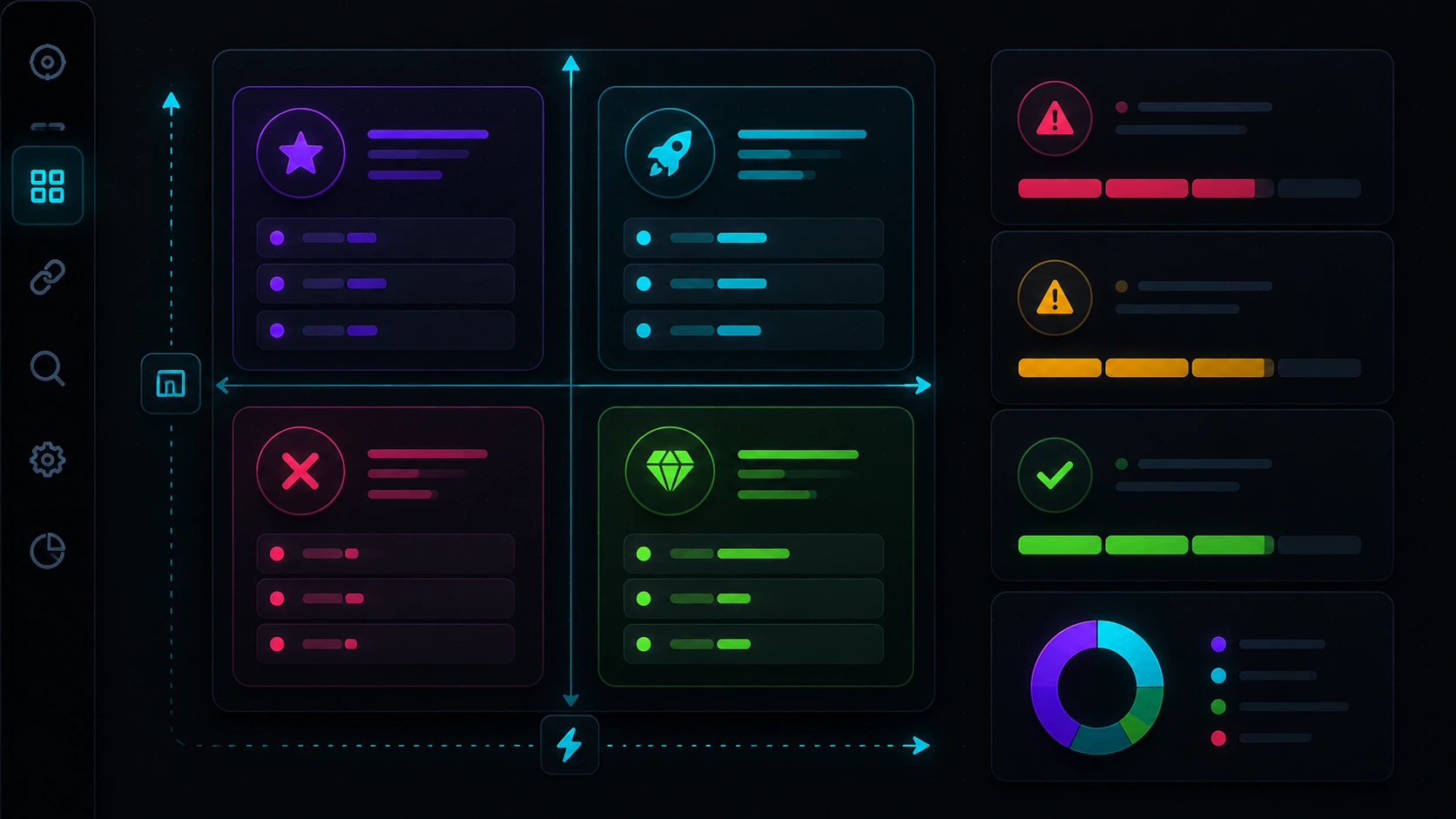
| Severity | Checklist examples | Action |
|---|---|---|
| Critical | Mass noindex, 5xx, migration without 301s, robots.txt blocking /blog/ | Pause campaigns; fix within hours or days |
| High | Wrong canonical, broken sitemap, «Poor» CWV on money URLs | Current sprint |
| Medium | Duplicate titles, heavy images, secondary broken links | Backlog 2–4 weeks |
| Low | Optional schema, micro alt-text tweaks | When capacity allows |
Deliver a doc with: URL, evidence (screenshot or export), severity, owner (dev, content, infra), and definition of done. An SEO audit checklist that does not become concrete actions is just a pretty list in Notion.
If after the checklist you consider outside help, see technical SEO pricing to understand models and what a serious quote should include.
Mistakes that invalidate the audit
Measuring only home on desktop with perfect WiFi
Templates that scale (category, product, article) often fail on mobile while home looks fine.
Confusing Lighthouse score with SEO
A lab 100 does not guarantee rankings. Field CWV and indexing matter just as much.
Ignoring initial HTML
If View Source is empty and content only appears after JavaScript, on-page checks may pass in DevTools but fail for Google.
Fixing schema before canonicals
Rich results do not compensate for duplicate or non-indexed URLs. Respect phase order.
Not rerunning the checklist after major changes
Redesigns, new plugins, or headless migrations require another pass — do not assume «we did this in January».
FAQ
How long does this checklist take?
With a 10-URL sample and tools open: half a day to one day for someone who knows the project. Large sites need automated crawls and dev validation — two to five days.
Checklist vs full SEO audit?
The checklist is the operational skeleton; a full audit adds depth (external links, content, competition). Start here if you need quick order; go deeper with the step-by-step guide if traffic dropped.
Can I automate part of the list?
Yes: scheduled crawls, uptime alerts, Lighthouse in CI, CWV reports. Interpreting canonicals, hreflang, and product changes still needs human judgment.
How often should I repeat it?
Quarterly on active sites; monthly during migrations or major launches. Search Console alerts help but do not replace scheduled reviews.
What do I do after checking everything?
Prioritize critical and high items, assign owners, and measure again in 4–6 weeks. For speed, rerun PageSpeed Insights or the SEO landing simulator on the same sample URLs.
Want to test a URL before opening the full report?
On Veloce Devs’ SEO landing you can run the PageSpeed simulator and request a free technical audit of your domain — the natural next step after this checklist.
Leave a Reply