A technical SEO audit answers one concrete question: can Google find, crawl, understand, and index your site without friction? It does not replace content strategy, but it prevents months of editorial work from vanishing because of a bad robots.txt, redirect chains, or templates that duplicate URLs.
This guide proposes a logical order — from blockers to fine-tuning — for marketing and engineering teams who want a clear map before opening tickets or hiring outside help.
Table of contents
- What a technical SEO audit is
- When to run one
- Step 1 — Crawling and indexing
- Step 2 — Architecture and URLs
- Step 3 — On-page and indexable content
- Step 4 — Performance and Core Web Vitals
- Step 5 — Internal and external links
- Step 6 — Structured data and SERP
- How to prioritize findings
- FAQ
What a technical SEO audit is
It is a systematic diagnosis of your site’s technical layer: not whether your copy persuades, but whether the infrastructure lets search engines do their job. It typically covers:
- Indexing status and crawl errors.
- Canonicals, hreflang, and duplicates.
- Speed, visual stability, and interactivity (Core Web Vitals).
- Sitemap, robots.txt, and HTTP responses.
- Schema markup and rich result eligibility.
It differs from a content audit (keywords, search intent) and an authority audit (backlinks). All three complement each other; technical usually comes first because a non-indexed site competes for no query.
When to run one
| Timing | Why |
|---|---|
| Before a redesign or migration | Baseline indexed URLs, redirects, and organic traffic |
| After a sharp traffic drop | Spot blocks, 5xx, accidental noindex, or aggressive canonicals |
| New section launch | Blog, store, languages — validate architecture from day one |
| Quarterly review | Plugins, themes, and new content degrade SEO silently |
| Before link building spend | Do not send authority to pages with technical leaks |
Step 1 — Crawling and indexing
Start with Google Search Console (correct domain or URL-prefix property):
- Indexed vs excluded pages: are useful URLs growing? spikes of “Duplicate” or “Redirect”?
- Pages report: filter 404, 5xx, “Discovered — not indexed”.
- Sitemaps: does submitted XML match public URLs? processing errors?
- URL inspection: test home, categories, and 3–5 money URLs — declared vs Google-selected canonical.
Complement with a site crawl (Screaming Frog, Sitebulb, or similar) to see bot-level response codes, meta robots, HTML canonicals, and click depth.

Step 2 — Architecture and URLs
- HTTPS everywhere; one canonical host variant (www or not, consistent trailing slash).
- Redirects: short chains (ideally one 301 hop); avoid loops and mistaken permanent 302s.
- Depth: important pages within ≤ 3 clicks from home.
- Multilingual: coherent hreflang across locales without mixed-language slugs.
- Parameters and filters: do they create indexable duplicates? use canonical or noindex where needed.
If blog and landings live on different routes, confirm sitemap and internal links target the public site — not a CMS or preview subdomain.
Step 3 — On-page and indexable content
For each key template (home, service, article):
- One clear <h1>; logical H2/H3 hierarchy.
- Unique title and meta description; title ~50–60 useful characters; description that earns clicks without filler.
- Self-referencing canonical unless syndication rules say otherwise.
- Main content visible in initial HTML (not only after heavy JS interaction).
- Images with descriptive alt; modern formats (WebP/AVIF) when possible.
To go deeper on what to measure before copy, see SEO for developers: what to measure first and SEO DevTools for developers.
Step 4 — Performance and Core Web Vitals
Google uses experience signals; Core Web Vitals (LCP, INP, CLS) summarize loading, responsiveness, and stability. In the audit:
- Measure real URLs in PageSpeed Insights or field reports in Search Console.
- Prioritize templates with the most organic traffic or conversion.
- Split mobile and desktop — mobile-first remains the main reference.
- Document LCP element, render-blocking scripts, and unsized images (CLS).
Conceptual background in Core Web Vitals explained: what to measure and why SEO cares. To move from broad diagnosis to a concrete speed workflow, follow our practical PageSpeed audit guide. If you are weighing outside help, see technical SEO pricing for typical models and what quotes should include. For an actionable list your team can run through, use our SEO audit checklist for developers.
Step 5 — Internal and external links
Internal
- Do new pages get links from home, blog, or landings?
- Broken links (404) in menus, footers, or legacy content?
- Descriptive anchors vs generic “click here”?
External
- Toxic backlink patterns or suspicious spikes (Ahrefs, Semrush, etc.).
- Broken outbound links in cited resources.
Step 6 — Structured data and SERP
Validate JSON-LD or microdata with Google’s Rich Results Test:
- Organization / WebSite on home.
- Article or BlogPosting on posts.
- FAQPage only when questions are visible on the page.
- Product / LocalBusiness when relevant to your business.
Schema errors rarely block indexing but can block rich results — fix them when the page type justifies it.
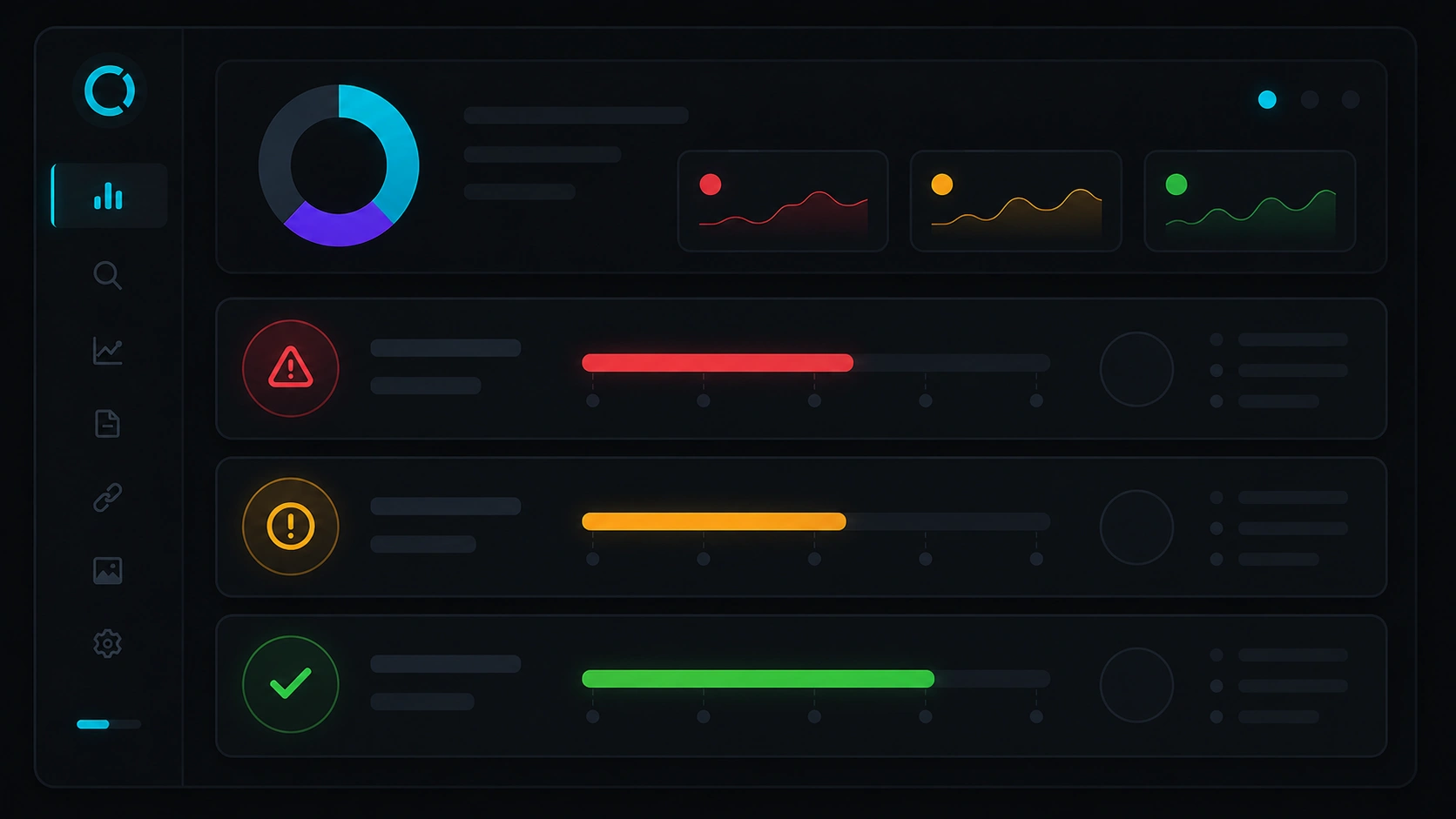
How to prioritize findings
| Severity | Examples | Action |
|---|---|---|
| Critical | noindex on money templates, mass 5xx, migration without 301s | Pause campaigns; fix within hours or days |
| High | Wrong canonical, broken sitemap, CWV far below threshold | Current sprint |
| Medium | Duplicate titles, heavy images, secondary broken links | Backlog 2–4 weeks |
| Low | Optional schema, micro alt-text tweaks | When capacity allows |
Deliver a doc with: affected URL, evidence (screenshot or export), estimated impact, and owner (dev, content, infra). A technical SEO audit that does not become actionable tickets is just a decorative PDF.
FAQ
How long does a technical SEO audit take?
A small site (dozens of URLs) can be reviewed in 1–2 analysis days. E-commerce, multilingual, or thousands-of-URL projects need longer crawls and dev validation — one to three weeks depending on depth.
What is the minimum toolset?
Google Search Console is mandatory. Add a desktop crawler, PageSpeed Insights, and browser DevTools. Paid suites help with links and tracking but are not required for a first pass.
Technical audit vs content audit?
Technical validates access and indexing; content evaluates keywords, intent, editorial quality, and contextual links. Do technical first if you suspect blockers; if traffic grows but does not convert, balance with content and UX.
How often should I repeat it?
Quarterly for active sites; monthly during migrations or major launches. Search Console alerts help but do not replace scheduled reviews.
Can I automate part of the process?
Yes: scheduled crawls, uptime alerts, CWV reports in CI. Interpretation and prioritization still need human judgment — especially for canonicals, hreflang, and product changes.
Want a first diagnosis without starting from scratch?
On Veloce Devs’ SEO landing you can run the PageSpeed simulator and request a free technical audit of your domain — a solid step before a full audit engagement.
Leave a Reply